
CWC226 - Whimsical
The Final Result
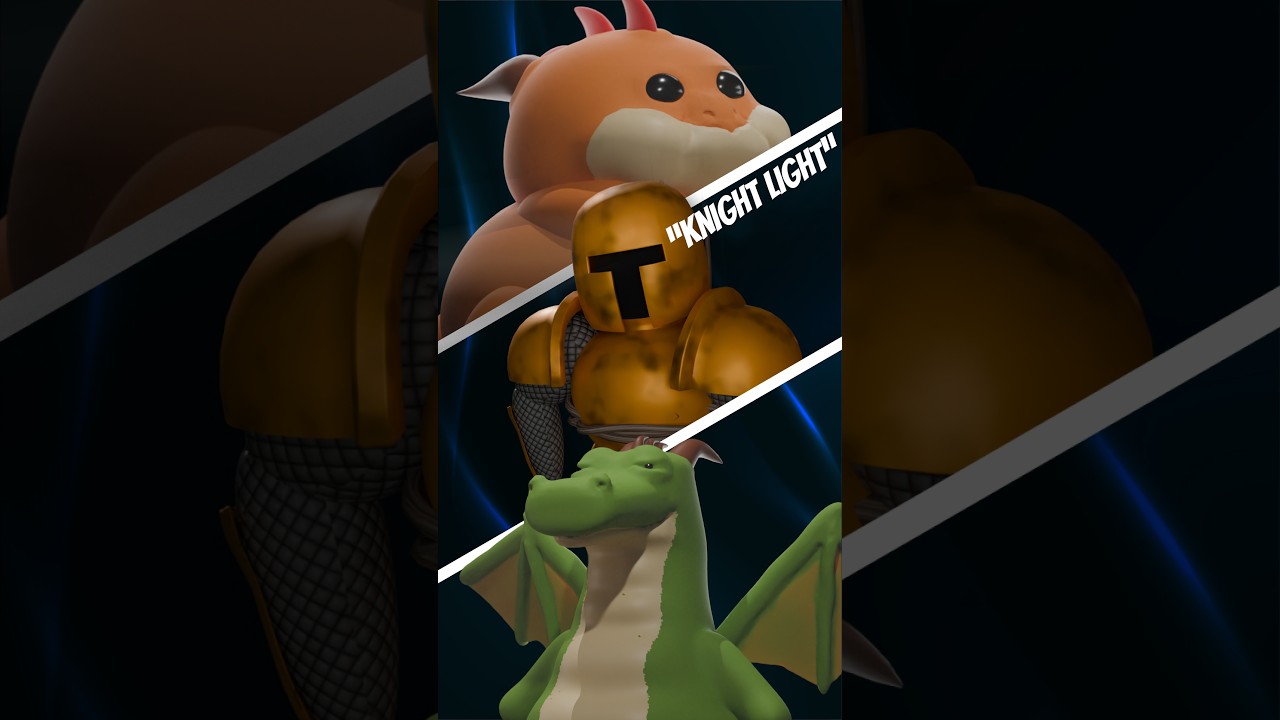
Summary
| Biz | Biz Biz |
|---|---|
| Author | Project Somedays |
| Title | Create With Clint Weeklies 226 - Whimsical aka “Knight Light” |
| 📅 Started | 2025-03-23 |
| 📅 Completed | 2025-03-23 |
| 🕒 Taken | ~6hrs |
| Render🕒 | ~1hr |
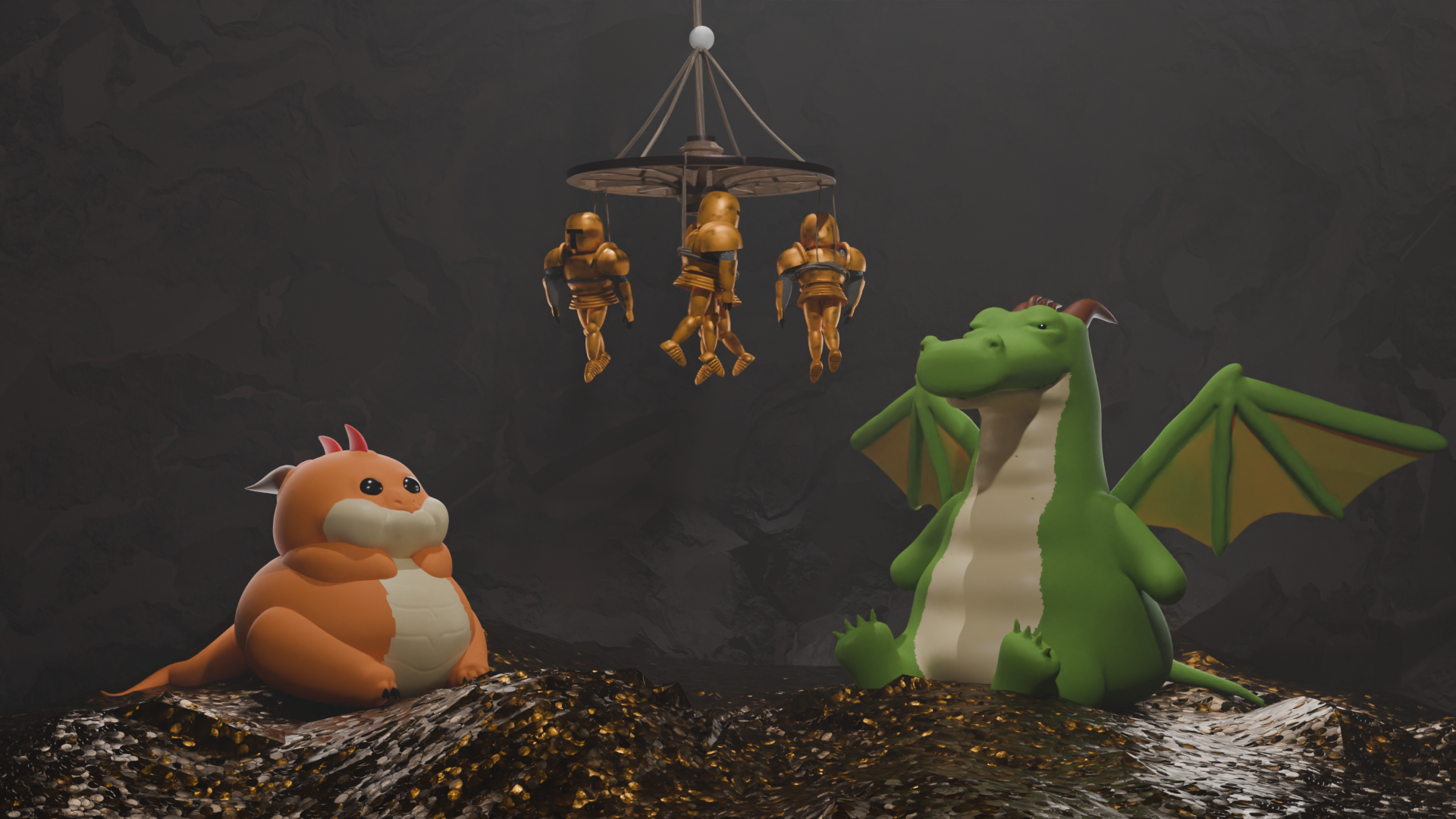
| 🤯 Concept | What do dragon parents use the entertain their young? Knight Lights! |
| 🔎 Focus | Modelling from reference + simple animation |
| 🖥️ Rig Deets | 64GB RAM, 13th Gen Core i9, NVIDIA GeForce GTX 4060 Ti |
Created for the weekly Create with Clint/pwnisher community
Check out his awesome YouTube channel or better yet, join the discord community!
This was 100% the case of the pun leading the story. I know what I’m about. This was also a case of wanting to try my hand at going through the process of sculpting, rigging and animating a couple of times.
For me, the main point of these posts is to document to myself my progress which also involves documenting all the mistake knowledge I’ve had to earn along the way. This post is partly a lesson in what NOT to do and why.
I guess it’s also a lesson in what you can get away with when you’re not overly concerned with re-using your assets.
The Cast
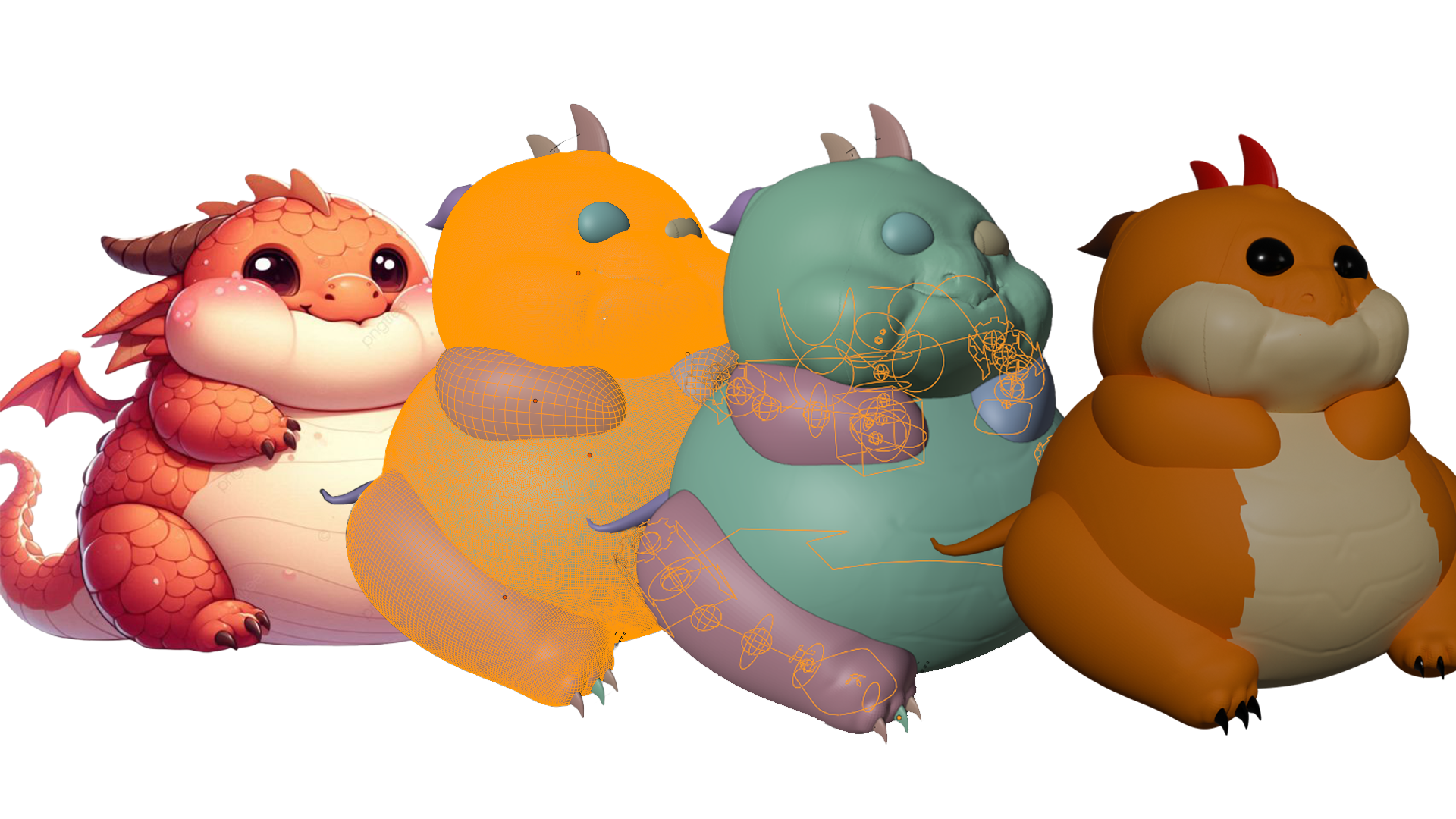
Baby Dragon
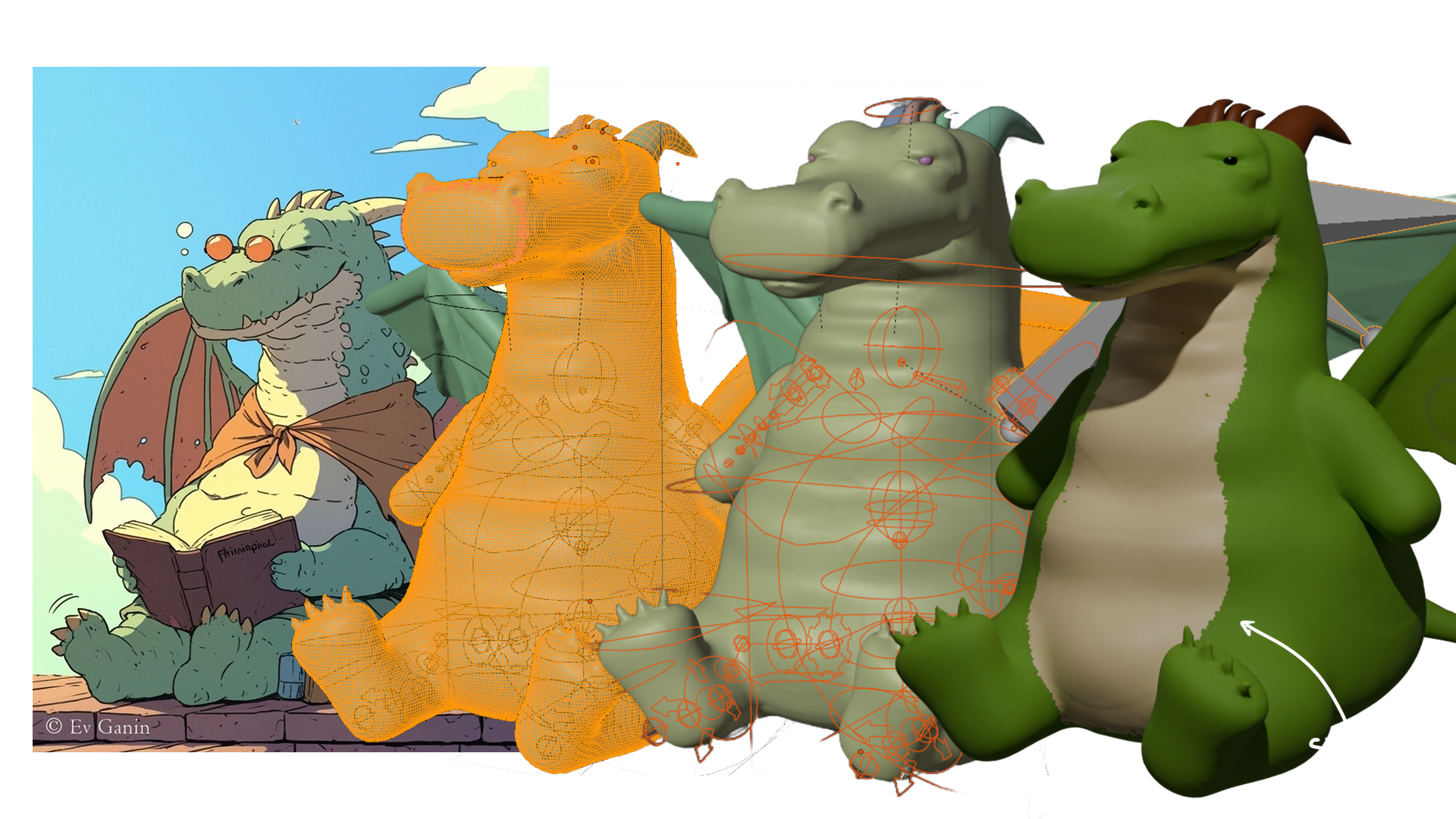
Dragon Dragon
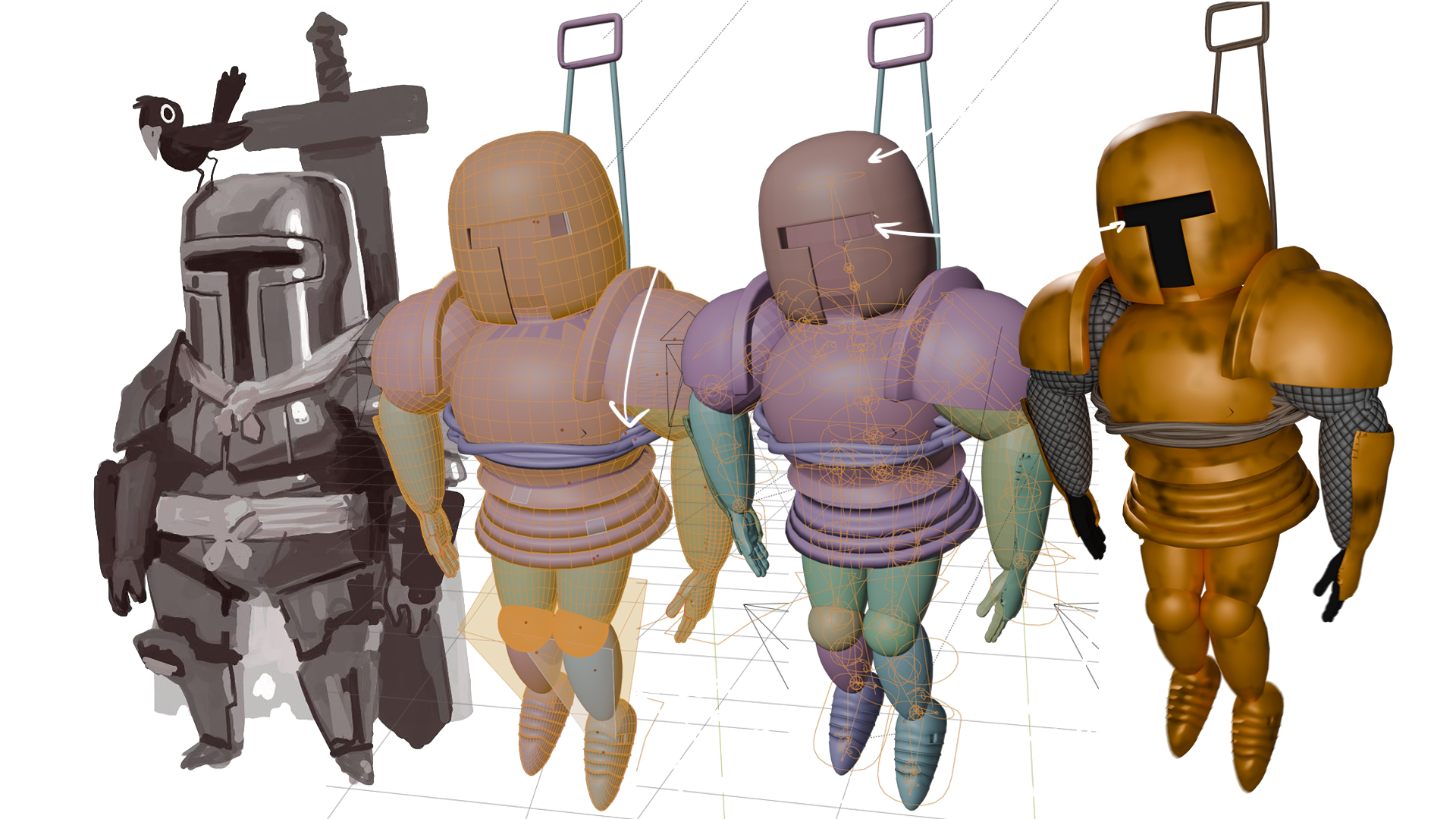
Knight
🎓Lessons Learned🎓
Rigging: Add bones to the meta-rig BEFORE rigging
For this one, I animated just the one dragon wing that I had parented to the main rig then mirrored it. I like the Rigify FK/IK setup and I THINK I can add extra bones at the meta-rig stage before generating the rig, but I’m yet to do it. Adding a secondary rig for the wings worked here where I knew animation was going to be minimal.
Apparently, before you rigify, you need to make sure that your wings have been symmetrised and that the type of kinetic chain is set to something like limbs.super_tentacle. Watch this space!
Hand-Animation: does the trick
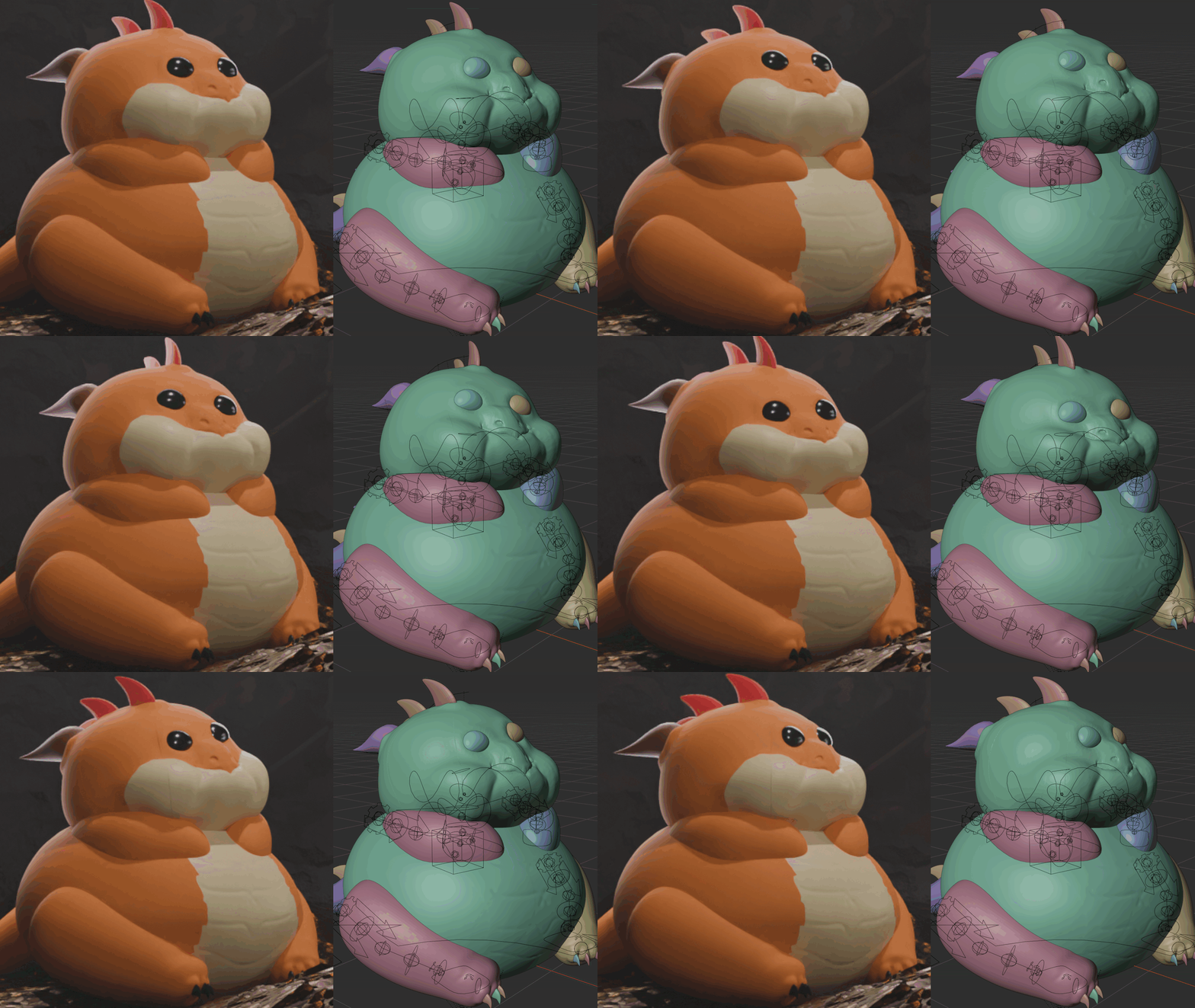
In this project, I very literally hand-animated the head movement on the baby dragon. To do it, I:
- turned off every collection to maximise performance in the viewport
- entered pose mode
- turned on auto-keying
- dragged the mouse around the wiggle his little head around while recording
- went back through the keyframes and made sure they looped
Did this hack pay off? You be the judge!
Topology matters
What is topology in 3D graphics? The functional answer is, if you look at the wireframe of your mesh, it’s the spacing, shape and positioning of your quads (and triangles and n-gons for where you either can’t be bothered fixing it or where it doesn’t matter). What I discovered the hard way in this project is that you really do want your quads to follow nice flowing lines and have detail in the right places to produce natural deformation of the mesh as you try to move things around. And there are a few other reasons also to get this right:
-
Weird folds appearing in my meshes? Bad topology.
-
Performance chugging in the viewport? Bad topology. I had WAY too many faces.
-
Not great experience with some texture painting? Bad topology. I had way too FEW faces.
Rest assured, I have since invested in Quad Remesher to help even out all my quads without spending a lifetime mastering a skill I have great appreciation for, but not enough time to put into.
If you’re reading this and want to know more, there are entire youtube channels around retopology.
Resources
- Models:
- Blendkit cart wheel
- Music:
- SoundFX
- Dragons Lair by Mavopix on Pixabay
Stretch Goal(s)
- Actually match the reference and have the main dragon reading a book.
- Improve topology of my models… offt.
- Re-rig the dragon to use rigify for the wings also.